tbr Tab Budget Reminder
Escalating tab pressure

You do not need another tab.

tbr keeps the count visible, pushes back at your thresholds, and makes tab overload hard to ignore before the pile gets worse.

Counts tabs live See the total before the stack gets away from you.
Warns in stages Badge is on by default; border and icon are optional.
Stays local Settings stay in your browser. No backend.

This site uses published copies of the canonical store visuals so the public page stays stable even when the source assets change.

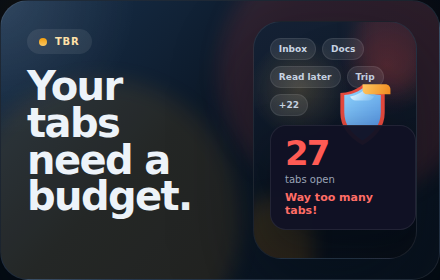
Illustrated promo tile for tbr using the shield icon and warning-first tab budget concept
Flash for the listing. Real UI below.
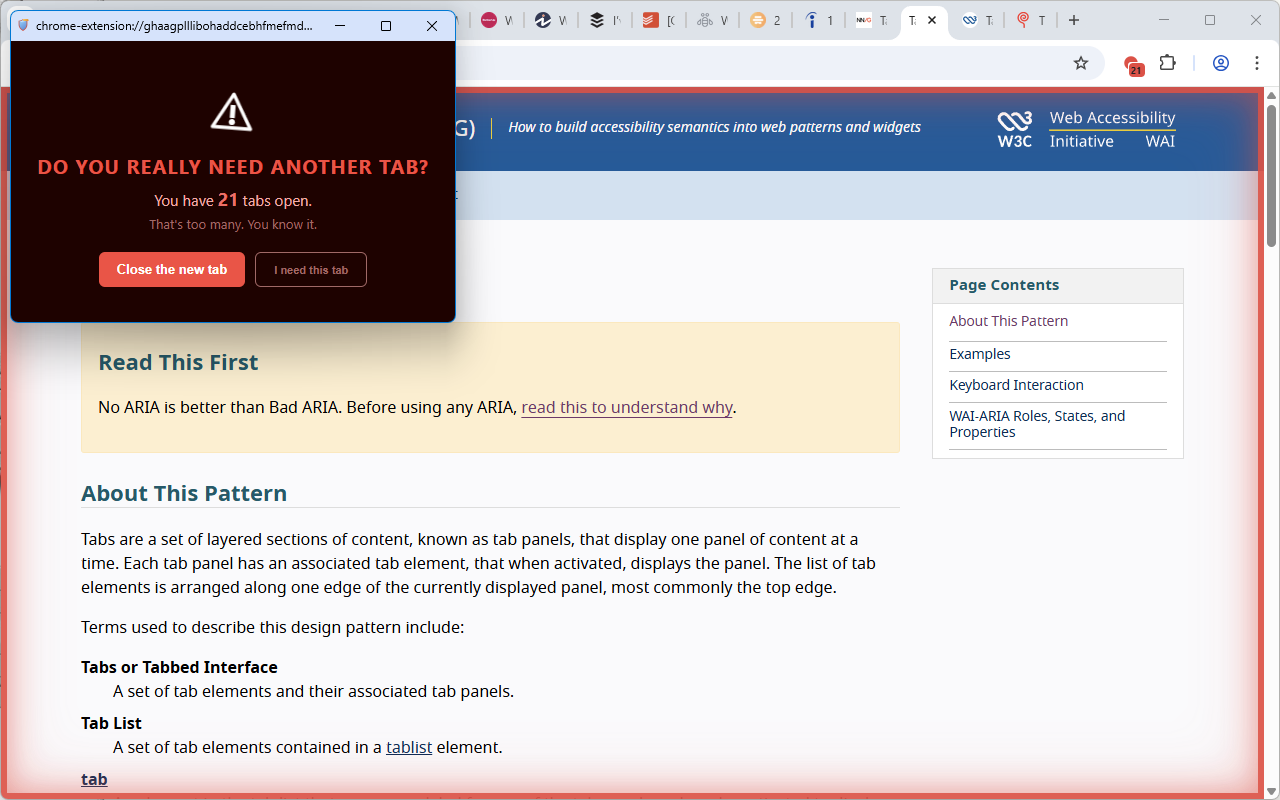
Warning window shown when a new tab opens while the tab count is already at or over the danger threshold
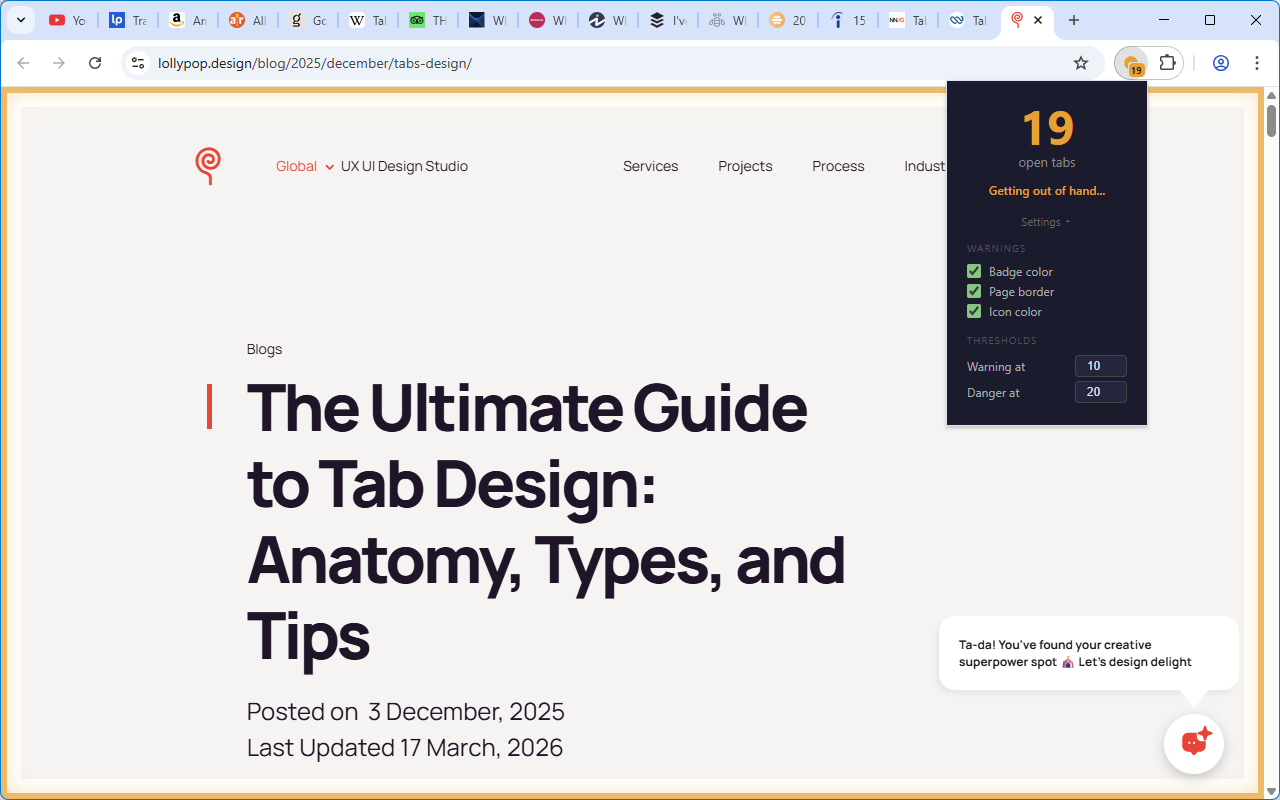
Settings view for warning thresholds and visual alerts

What it does

tbr counts your open tabs, compares that count to your warning and danger thresholds, and escalates the response as the number climbs.

  • Popup first Check the count and tune the thresholds from one place.
  • Visible warnings Badge is the default cue; page border and icon changes are optional.
  • Dedicated interruption The warning window opens when you open a new tab while already at or over the danger threshold.
Permission rationale

tabs

Read the current tab count and react to tab create, close, activate, replace, and update events.

storage

Save warning thresholds and visual preferences locally in your browser.

scripting

Inject and remove the optional warning border on the active HTTP or HTTPS page.

<all_urls>

Allow the warning border to work on whichever page is active when it is enabled.

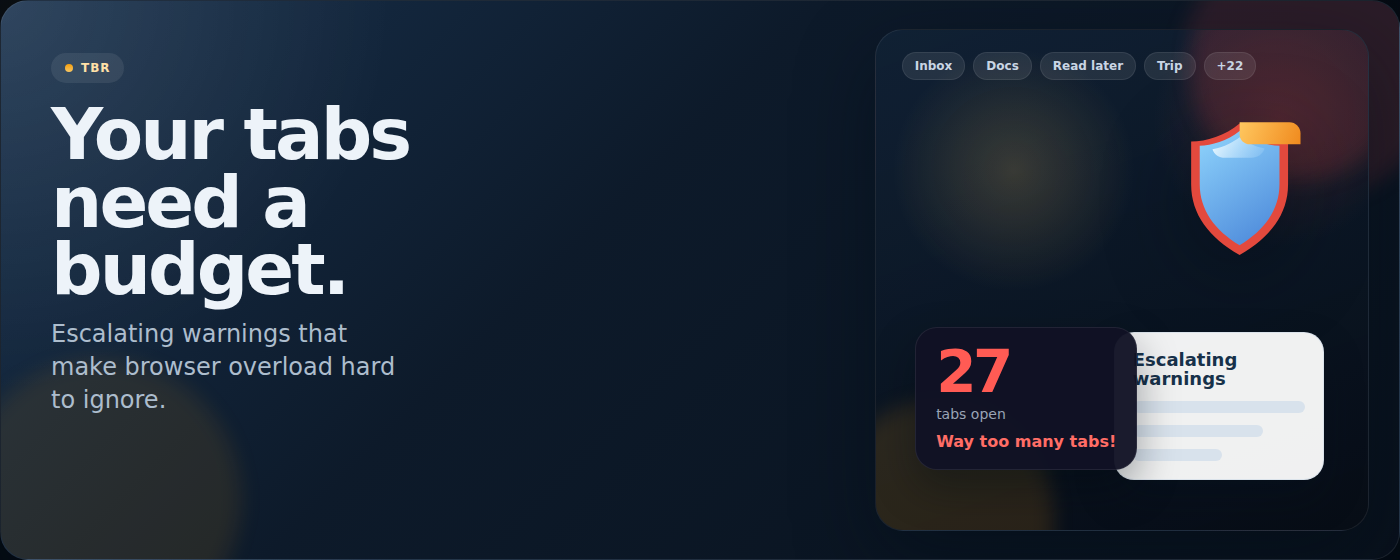
Promotional banner for tbr showing the warning-first tab budget reminder concept